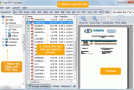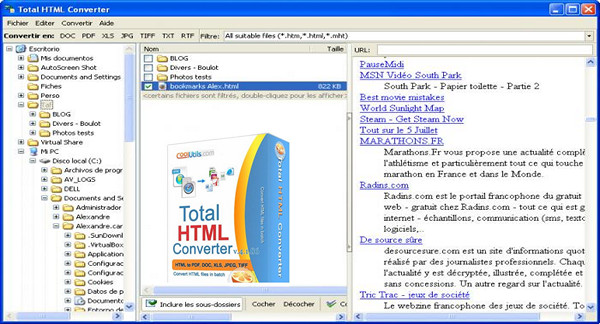
Total HTML Converter is a tool specializing in converting HTML, HTM or MHT files to text format, Excel-style spreadsheet, image or PDF.
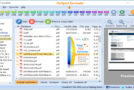
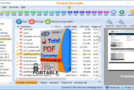
In just a few clicks, you can convert web pages you've saved in your favorites, for example. The interface opens to your PC's file system and allows you to navigate efficiently from folder to folder, with a preview of each selected file in the right-hand column.
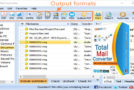
It's incredibly simple: just select the format(s) you want and start the conversion by clicking on the desired format in the Total HTML Converter menu bar. A wizard will then open, allowing you to adjust several settings for your generated file. For example: the folder where you want to save it, the paper size (A3, A4), compression, document encryption, and image quality. These settings vary depending on the format you choose.
Formats supported by Total HTML Converter
Supports: HTML, HTM, MHT
Converts to: PDF, DOC, XLS, XHTML, JPEG, TIFF, TXT, RTF, EMF, SVG, ODT
Total HTML Converter has many advantages for translating your HTML files into the format of your choice. However, the result is not always up to our expectations.
Configuration:
– Windows (x32/x64 Bits): XP, Vista, 7, 8, 8.1, 10
– Processor: 3GHz
– RAM: 512 MB
– Disk space: 30 MB
Facility :
1. Execute: cool_HTMLConverterx86_x64.exe
2. Enter the registration code (provided)
3. Quit and restart the software
- Language : Multilingual (French included)
- Size : 19.6 MB
This article was updated on December 23, 2016