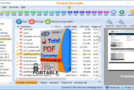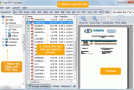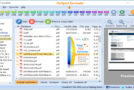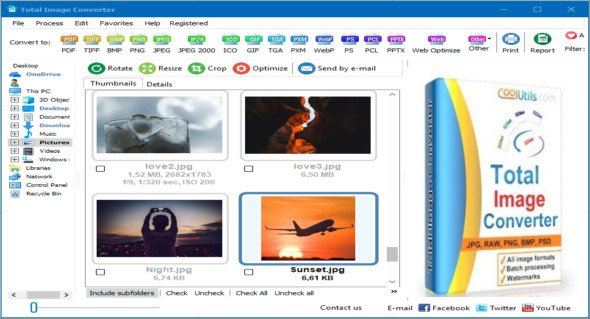
Total Image Converter is an image converter that supports most file formats: JPG, GIF, BMP, TIF, RAW, WMF, PCX, PNG, PPM, TGA, and others, for both import and export. Simply click on the destination format to open the conversion window. You can also use FastStone Image Viewer.
With an interface similar to Windows File Explorer, you can sort your file lists by name, size, type, or attributes. Total Image Converter also lets you view photos using a built-in viewer. Right-clicking allows you to launch a conversion directly from your desktop. Fast and efficient.
With Total Image Converter, you can crop or resize your images. You can also add logos and comments. Supporting a wide range of formats, it remains highly efficient for batch processing.
Formats supported by Total Image Converter
JPG, GIF, BMP, TIF, RAW, WMF, PCX, PNG, PPM, TGA, JPEG 2000, GIF, PXM, PDF, AVS, Kodak Cineon, FITS, HDF, MIFF, XPM
Version : 8.2.0.237
Language : Multilingual (French included)
Size : 85.31 MB / Portable: 87.63 MB
Configuration:
– Windows (x32/x64 Bits): XP, Vista, 7, 8, 8.1, 10
Total Image Converter 8.2.0.237 + Portable
Total Image Converter Portable 8.2.0.237
This article was updated on March 20, 2021