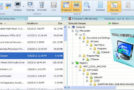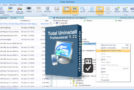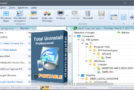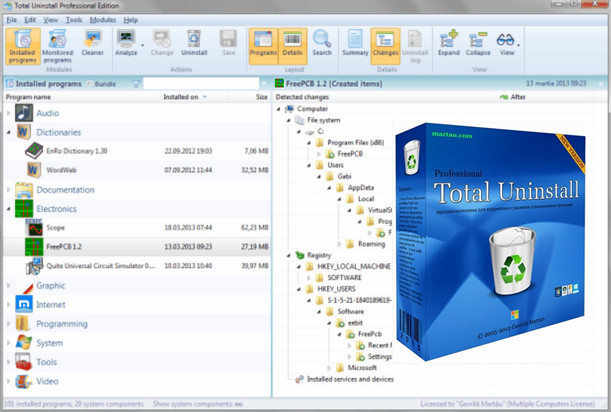
Total Uninstall performs a precise analysis of installed programs in order to completely uninstall them.
With the "Installed Programs" module, Total Uninstall analyzes the installed program and creates an installation log. This allows for a complete uninstallation even without the standard uninstallation software provided by "Add/Remove Programs".
Total Uninstall allows you to monitor newly installed programs.
With the "Monitored Programs" module, every change made to your system during the installation process of a new program is monitored. You can perform a complete uninstallation without using the "Add/Remove Programs" function, which can sometimes miss files or changes.
Safe cleaning of the system.
Delete unnecessary files and registry entries
AutoPlay Manager
Manages the Windows startup process. Controls which programs, services, or scheduled tasks start automatically. Makes the operating system faster by disabling unwanted programs that start automatically.
Configuration:
Windows XP to 10 (64-bit)
64-bit Pentium processor
64 MB of RAM
20 MB of available space
Facility:
1- Install by running Total-Uninstall-Setup-6.17.0.exe and do not launch the program after installation (uncheck the box at the end of installation)
2- Copy the Tu.exe file from the tu_pro_6.17.0_crk_x64 directory and paste it into the installation directory "C:\Program Files\Total Uninstall 6"
- Language: Multilingual
- Size: 31.1 MB
This article was updated on August 10, 2016