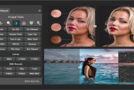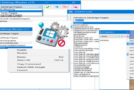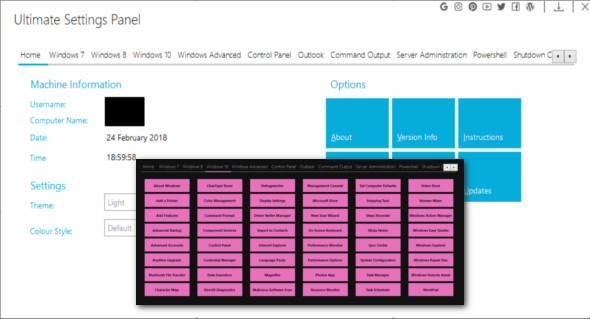
Ultimate Settings Panel is a multi-panel utility for all the different features of operating systems and Windows. It's a solution for a multitude of configuration options in Windows 7, 8.1, and 10, Microsoft Office, Windows Server, and System Center Configuration Manager. This program also installs Windows God Mode (the God Mode feature essentially gives users easy access to countless Windows features and customization options, all within a single interface. It also organizes them into categories, such as Administrative Tools and View, for ease of use).
For optimal use of the utility, it will always run the program as an elevated administrator at startup, so you may get a pop-up window asking you to allow elevation; go ahead and click on it. Yes for that.
Once you've started the utility, you can navigate using the tabs. Each tab has a different set of processes to use. Simply select the tab you want to use, and then click the button for the process you want to run.
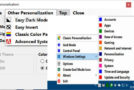
You can also click on the home panel and adjust the program's theme, style, and color using the drop-down menus — note that from version 6.1 onwards, all changes made to your theme and color style will be automatically saved for next time.
The latest version now features more configuration tabs, including Windows 8.1, and a total of 224 configuration items covering all versions of Windows, PowerShell, Outlook, Server Administration, and Configuration Manager. Note that Ultimate Settings Panel is no longer provided as an MSI installation package.
Configuration:
– Windows (x32/x64 Bits): 7, 8, 8.1, 10
– Processor: 1 GHz
– RAM: 1 GB
Language : English
Size : 4.1 MB
This article was updated on July 23, 2018