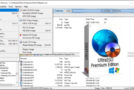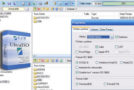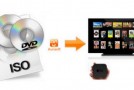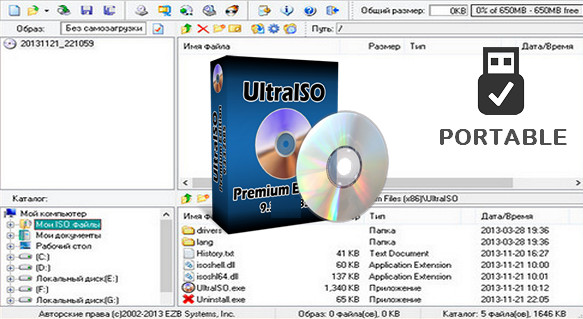
UltraISO is a tool for creating, editing, and converting ISO image files, as well as a bootable CD/DVD creator. It can directly edit CD/DVD image files and extract files and folders, and also directly create ISO files from your CD/DVD-ROM or hard drive.
UltraISO is in full possession of the ISO document format analyzer; it can currently process almost all types of image files, including ISO and BIN, and it can even support new image files that have yet to be created.
UltraISO can open these image files, directly extract files and folders, edit them, and convert other image files to the standard ISO format. UltraISO uses a dual-window unified user interface, allowing you to choose between using only the quick buttons and/or drag-and-drop mouse functionality, enabling you to easily manage any CD/DVD image file.
At the same time, you can preserve the ISO boot information, creating your own bootable CDs/DVDs. You now have the power to create and modify your own ISO files and then burn them to a CD/DVD for your needs.
UltraISO can:
1. Duplicate the disc to the ISO file from the CD-ROM.
2. Create a file on a hard drive, CD-ROM, network drive from a single ISO file.
3. Extract the files from the ISO file.
4. Modify the ISO file in many formats (such as Nero Burn ROM, Easy CD Creator, CDRWin, CloneCD, BlindWrite, etc.).
5. Create a bootable ISO file.
6. Create/edit the audio CD image.
UltraISO Some details:
1. Can directly edit the ISO image file.
2. Can directly extract files and folders from the ISO image file
3. Can add / delete / create a new directory / rename the contents of the ISO file image.
4. Can create an ISO file from the document on the hard drive.
5. Can create a CD image from a CD-ROM, maintain boot information.
6. Can process compact disc boot information, you can directly add/delete/extract the boot image from the ISO image.
7. Supports almost all known CD image file formats (.ISO, .BIN, .IMG, .CIF, .NRG, .BWI and so on) and converts them to the standard ISO image format.
8. Can directly set the file/folder to the hidden attribute
9. Support for ISO 9660 levels 1/2/3 and Joliet extension
10. Automatically optimizes the ISO image file structure, saving CD space.
11. Supports Shell document type integration, opens image files by double-clicking or with the mouse context menu with the dialog box open.
12. The dual-window user interface is extremely convenient to use.
13. There are many additional tools available; you can create ALL-on-1 bootable compact discs, manage CD image files, even a virtual CD/DVD drive – these functions are really powerful.
Configuration:
– Windows (x32/x64 Bits): XP, Vista, 7, 8, 8.1, 10
– Processor: 1 GHz
– RAM: 512 MB
– Disk space: 20 MB
Facility :
Start the program installation: uiso97pes.exe
Enter the information (Name/serial) which are located in the file serial.txt
Portable:
Run the file UltraISOPortable.exe
Language Multilingual (including French)
Size : 8.3 MB
This article was updated on August 1, 2017