Testing an email sending script. The trick is simple; you don't even need an internet connection to test if these email sending codes work as intended.
What tools are needed? We only need Test Mail Server Tool. Don't worry, this software is completely free and lightweight; you can use it. Download here.
Install the software, start it, and you should see this:
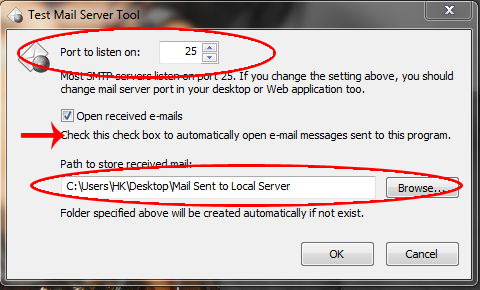
Leave the default settings as they are; the emails you send via your application will automatically be sent as ".eml" files to the folder of your choice. If you haven't changed the default settings, they are normally located in the "Mail sent to local server" folder on your desktop.
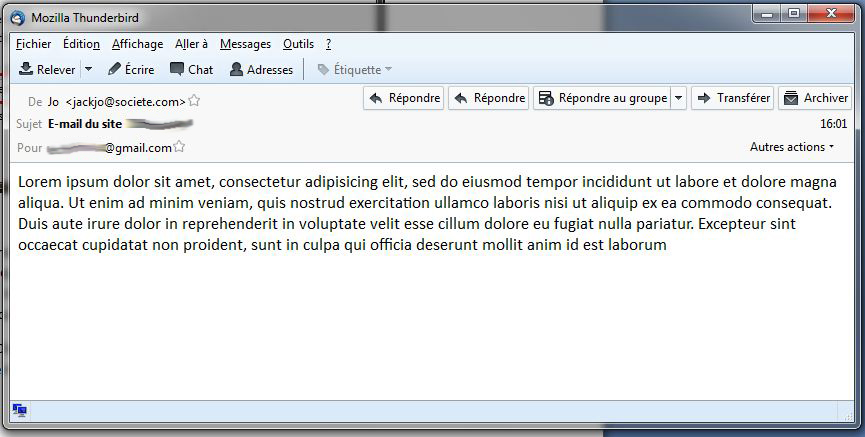
If you have an email client (Mozilla Thunderbird for example) the emails will open automatically as in the figure below (if your script works well of course).
This article was updated on May 1, 2016