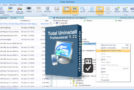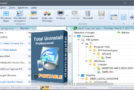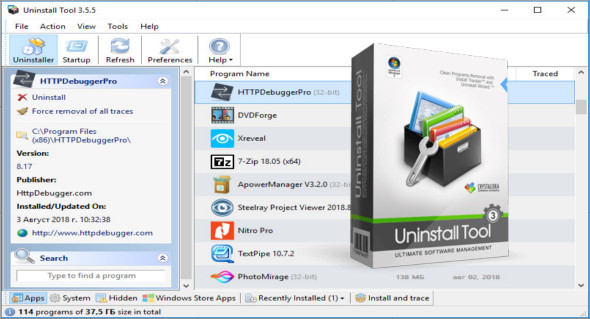
Uninstall Tool is a unique and powerful uninstallation tool that provides a fast, safe, and convenient way to remove unnecessary applications and system components. You can also use IObit Uninstaller Pro.
This program is an excellent alternative to the default Windows Add/Remove Programs utility. It contains numerous powerful features and options to completely remove any program from your computer permanently and without leaving any traces.
Main features of the Uninstall Tool:
– Completely remove all installed software! (using the Uninstall Wizard technology)
– 3 times faster than the Add/Remove program!
– 3 Application Categories: Software, System, Hidden
– Remove programs that run automatically when the system starts
– Many ways to sort applications: by name, by size, by installation date.
– Uninstall programs that could not be removed via Add/Remove Programs.
– Force the removal of uninstallation-related entries from the registry.
– Highlighting recently installed applications in the list
– Smart search helps you quickly find the application you need.
– Navigate to the Registry entry of a selected program, the installation folder, and its website.
– View detailed information for a specific application installed on your computer.
– Easy to use and the modern user interface allows you to work comfortably with Uninstall Tool.
– Option to replace Add/Remove a program.
– Saving (exporting to HTML format) detailed reports on currently installed applications
– Running the “Windows Components” and “Add/Remove Programs” tools.
* Much more…
Version : 3.8.1 Build 5740
Language : Multilingual (French included)
Size : 12.26 MB
Configuration:
– Windows (x32/x64 Bits): 7, 8, 8.1, 10, 11
Download Uninstall Tool v3.8.1 Build 5740 + Portable
This article was updated on November 25, 2025