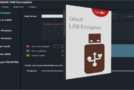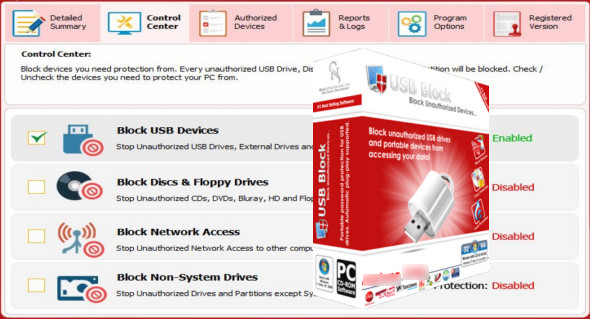
USB Block is a tool for locking USB drives on your computer using special methods such as a password. It helps prevent the theft and leakage of your important files and documents from devices such as USB flash drives, CD/DVD drives, and network computers. You can also use USB Secure.
USB Block creates authorized access for the user, restricting access to the drive to the password only. Without the password, no one can access the drive. It prevents and secures the user's device by protecting against data leaks, copy protection, USB drive blocking, and other features. This simple and easy-to-use application boasts an intuitive and modern user interface. It also includes other useful protections, blocking features, and functions that allow users to easily, safely, and securely transfer data. It logs all illegal activity and monitors for hacking attempts.
Features of USB Block
– Protect the USB drives on your computer
– Protect your confidential files from theft
– Prevents data leaks via devices such as USB drives, phones, and tablets
– Add trusted devices to the whitelist
– Allow trusted USB drives and devices
– Monitor for incorrect password attempts and hacks
Version : 1.7.9
Language : English
Size : 5.23 MB
Configuration:
– Windows (x32/x64 Bits): 7, 8, 8.1, 10
USB Block 1.7.9
This article was updated on March 10, 2021