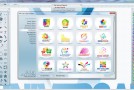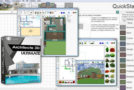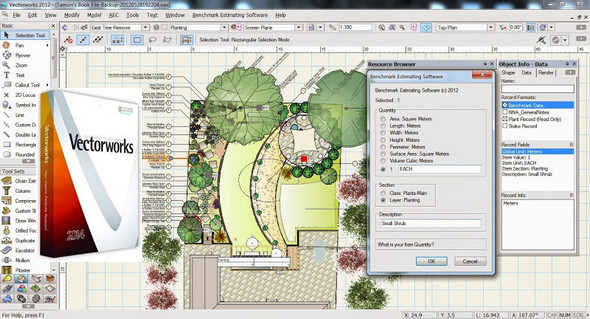
Present on the market since 1985, Vectorworks is today the preferred tool chosen by more than 450,000 designers worldwide to draw, model, exchange and publish their projects.
Everyone praises its ease of use, its intuitive environment that integrates 2D drawing and 3D modeling, the richness of its graphic attributes, and its great versatility.
Vectorworks addresses the Architecture, Landscape and Scenography markets, sectors for which specific versions have been developed: Vectorworks Architecture, Vectorworks Landmark and Vectorworks Spotlight.
Vectorworks Standard, a general-purpose version intended for technical drawing, is also offered.
Vectorworks caters to professionals, including recent graduates for whom specific offers are available.
Configuration:
– Windows (x32/x64 Bits): XP, Vista, 7, 8, 8.1,10
– Processor: Dual core 2.3 GHz
– RAM: 2 GB
– Disk space: 3 GB
– NVIDIA or ATI Graphics Card
– QuickTime
Facility :
1- Launch the installation from InstallVectorworks.exe
2- Choose: Install as evaluation version
3- Do not launch the program at the end of the installation
4- Replace Vectorworks2014.exe in the installation folder
5- Add the file information .txt to your HOSTS file
In windows/system32/drivers/etc/hosts
6- Install the libraries with Instal Biblio.exe or import from Vectorworks
7- At the request of the Firewall, do not allow connections with Vectorworks
- Language : English
- Size : 3.2 GB
This article was updated on November 18, 2016