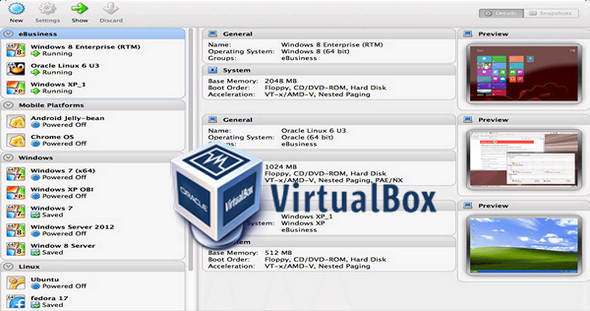
VirtualBox is a powerful virtualization product for businesses and individuals. VirtualBox provides useful features for several scenarios: Running multiple operating systems simultaneously. VirtualBox allows you to run more than one operating system at a time. This way, you can run software written for one operating system on another (for example, Windows software on Linux or macOS) without having to restart your computer to use it.
Because you can configure which types of "virtual" hardware should be presented to each operating system, you can install an older operating system such as DOS or OS/2, even if your actual computer hardware is no longer supported by that operating system.
Software vendors can use virtual machines to transport complete software configurations. For example, installing a full email server solution on a physical machine can be a time-consuming task. With VirtualBox, such a complex configuration (often called an "appliance") can be integrated into a virtual machine. Installing and running an email server becomes as simple as importing such a device into VirtualBox.
Once installed, a virtual machine and its virtual hard disks can be considered a "container" that can be frozen, woken up, copied, backed up, and transported between hosts at will. Furthermore, using another VirtualBox feature called "snapshots," you can save a specific state of a virtual machine and revert to that state if needed. This allows for free experimentation with a computing environment. If something goes wrong (for example, after installing malware or infecting the guest with a virus), you can easily revert to a previous snapshot and avoid the need for frequent backups and restores. An unlimited number of snapshots can be created, allowing you to revert to previous virtual machine states. You can also delete snapshots while a VM is running to reclaim disk space.
Configuration:
– Windows (x32/x64 Bits): XP, Vista, 7, 8, 8.1, 10
– Processor: 1 GHz
– RAM: 2 GB
– Disk space: 1 GB
Facility :
Standard installation, launch the file VirtualBox-5.0.34-113845-Win.exe
Portable version
Run the file Portable version\VirtualBoxPortable.exe
Language Multilingual (French included)
Size : 213.6 MB
This article was updated on March 9, 2017