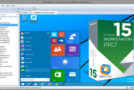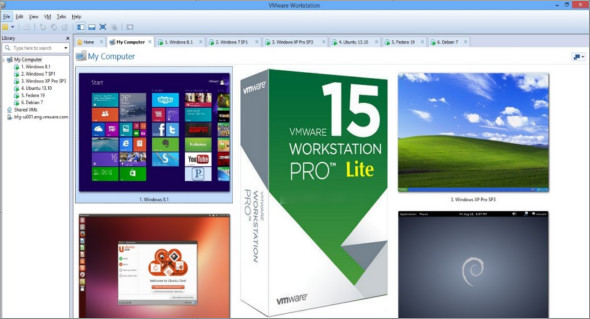
VMware Workstation Lite 15.0.4 is an impressive application that allows you to run multiple operating systems on a single computer without affecting system stability. This application provides experienced users, system administrators, and developers with all the features needed to run and test multiple operating systems on the same computer.
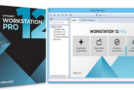
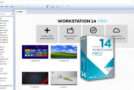
VMware Workstation Lite 15 lets you run multiple virtual machines on your computer. This virtualization application enables in-depth testing and the development of complex server-class applications. It's a powerful software that allows developers to easily deploy a company's virtual infrastructure and improve productivity. It features a simple and well-organized user interface and a main panel with shortcuts to various tools.
VMware Workstation Lite 15.0.4 Build 12990004 Feature
– Run multiple operating systems on a single computer.
– Allows you to run multiple virtual machines on your PC.
– Enables in-depth testing as well as the development of server-class applications in complex networks.
– Make it easier for developers to introduce a virtual infrastructure into a company and improve productivity.
– The installation process is very simple and straightforward. You need to select a standard or custom mode.
– Simple user interface with a home panel including shortcuts to the main utilities.
– Offers support for a multi-tab layout and you can allow multiple virtual machines to be open at the same time.
Configuration :
– Windows (x32/x64 Bits): 7, 8, 8.1, 10
– Processor: 1 GHz
– RAM: 1 GB
Language : English
Size : 166.9 MB
This article was updated on May 3, 2019