Virtualization allows you to work on an operating system different from the one on the host machine. This process offers several advantages, such as testing a system and software in a closed environment, and also running multiple operating systems on the same computer.
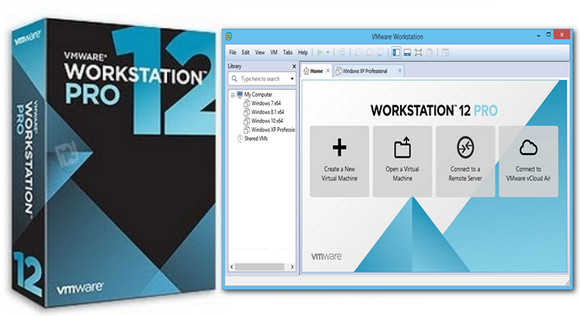
More comprehensive than its sibling VMware Player, VMware Workstation is a professional software published by VMware, a world leader in virtualization, that allows you to emulate multiple operating systems on the same machine and much more. It is compatible with Windows, Linux, Solaris, and BSD operating systems.
For each virtual machine, a wizard allows you to define the amount of memory, graphics acceleration, the number of processors to use, the appropriate physical ports, and the various sound, network, and wireless cards to consider. You can also configure the interactions between the host machine and the virtual machine, such as drag and drop, shared folders, and a clipboard.
Among its advanced features, the software allows users to convert a computer into a virtual machine and remotely control virtual machines. It also includes tools for sharing virtual machines over a network.
The interface is easy to use, although it's in English, and it features a comprehensive virtual machine creation wizard. This wizard offers predefined settings depending on the operating system.
Configuration:
– Windows (x32/x64 Bits): XP, Vista, 7, 8, 8.1,10
– Processor: Pentium 1.3 GHz
– RAM: 2 GB
– Disk space: 1 GB
Facility :
1. Install VMWare Workstation Pro
2. Activate it with the serial.txt
- Language : English
- Size : 303.6 MB
This article was updated on November 1, 2016