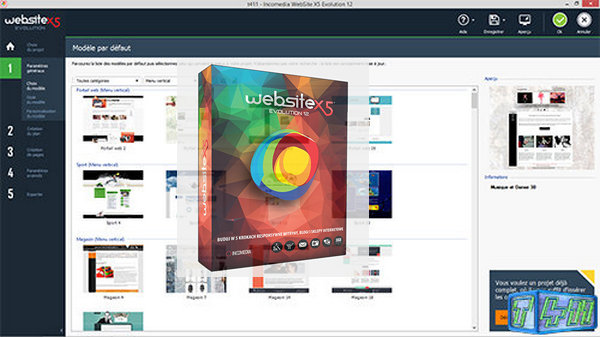
WebSite X5 Evolution is a professional website creation software in 5 steps.
Develop a professional-looking website in just a few clicks and without any special knowledge with WebSite X5 Evolution software.
Ideal for creatives, bloggers and freelancers.
– Unlimited projects
– 1,000 Graphic Templates
– Multimedia Content
– Free FTP Engine and Web Hosting
– Advanced Functions
– Advanced e-commerce shopping cart
– Search engine optimization
– Responsive Websites
– Advanced Online Control Panel
Configuration:
– Windows: Vista / 7 / 8.1 / 10
– Processor: Intel or AMD 2 GHz processor
– RAM: 1 GB of memory
– Graphics: Video resolution 1024×600
– Disk space: 550 MB of available disk space
– Sound card: DirectX compatible sound card
Facility:
1- Turn off your internet connection during installation.
2- Execute the wsx5_ev.exe from the Incomedia WebSite X5 Evolution 12.0.9.30 folder.
3- Follow the installation procedure.
4- An activation window opens at the end of the installation…
5- License activation: Launch the Keygen kg.exe.
6- Choose the version of your software to activate from the Edit menu.
7- Choose your language in Language.
8- In Email, choose an email address of your choice.
9- Copy your license key into the activation window (License Key).
10- Copy your email address previously entered into the keygen.
* The activation software will tell you that online activation is not working.
11- Click on next to return to the manual activation window.
12- Enter your unlock code.
13- Make a copy of the Incomedia WebSite X5 Evolution 12.0.9.30 folder before launching the installation of your software.
14- This way your file will not be modified for sharing.
- Language: Multilingual
- Size: 322.2 MB
This article was updated on September 25, 2016