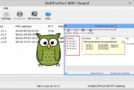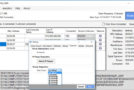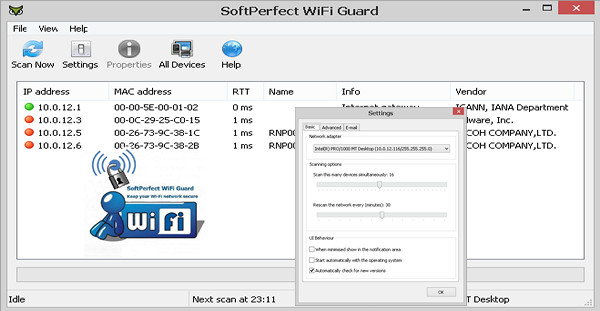
Wifi Guard monitors your Wi-Fi network to quickly detect potential intrusions. To do this, Wifi Guard regularly scans devices connected to your internet network to quickly highlight unwanted connections.
It is then up to you to strengthen the security of your network to protect yourself from possible data theft and espionage of your traffic and to inform the devices which, conversely, are authorized to connect to the network.
Function :
* Pings computers and other network devices and displays those connected
* Detects firewall computers that do not respond to pings.
* Monitors your network at a specified interval.
* Alert immediately if an unknown device is detected.
Use :
On first use, you will need to add the machines on your network to the whitelist and then let the software run.
And when a new MAC address appears, WiFi Guard will alert you.
Configuration:
– Windows (x32/x64 Bits): XP, Vista, 7, 8, 8.1, 10
– Processor: Pentium 4 3GHz
– RAM: 512 MB
– Disk space: 20 GB
Facility :
- Execute : wifiguardx86_x64.exe
–Portable Win X86bit ==> WiFiGuardX86.exe
–Portable Win X64bit ==> WiFiGuardx64.exe
- Language : French / English
- Size : 10.8 MB
This article was updated on December 11, 2016