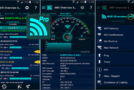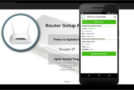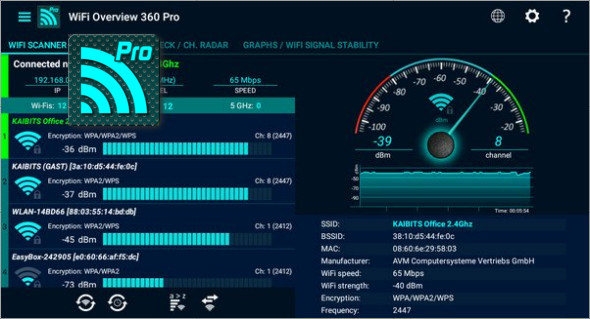
WiFi Overview 360 is a tool that allows you to manage and optimize your existing wireless network. At a glance, you will get detailed information about the WiFi in your environment, signal strength, encryption, WiFi name (SSID), channel number, whether it is open or not, and much more.
With powerful Wi-Fi detection, you'll receive a notification (sound, pop-up text window, vibration, and speech synthesis if you choose) and can connect automatically. For best performance, your network should use a channel or frequency range with few or no other wireless networks. Wi-Fi Overview 360 helps you find the best option for your network.
Characteristic :
– WiFi Detector – the powerful open network finder (Pro version only)
– “Quick connect shortcut”: you can set a shortcut to quickly and easily switch/connect between/to WiFi (Pro version only)
– Change the WiFi priority manually (Pro version only)
– Includes 1x1, 2x1 and 4x1 widgets with different styles
– WiFi Scanner
– WiFi sorting options for “strength”, “alphabetical”, “channel” and “open/known Wi-Fis”
– Automatic WiFi activation at startup – if disabled, and automatic shutdown at the end
– Manual way to add a network
– Detailed information about WiFi
– Graphical representation of all wireless networks within the operating range
– Channel checker for the best channel selection
– Tablet stand
– Checking the WiFi internet connection
– and much more…
What's new ?
* Access point manufacturer added
* Bug fixes
* Numerous code optimizations
* Performance improvement
* Improved stability
Version : Pro v4.25.09
Compatibility Android 4.1 or higher
Size : 8.6 MB
This article was updated on May 11, 2018