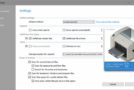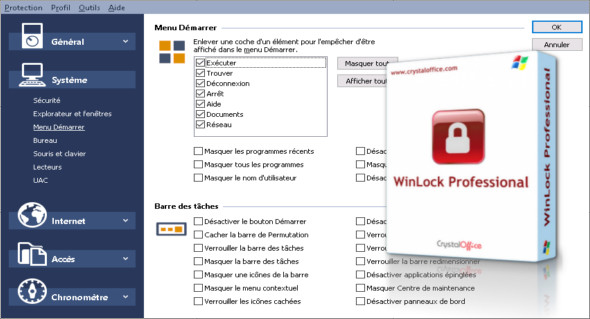
The WinLock Professional application works to limit access to certain areas of the computer and also allows you to restrict access to various computer resources, and also allows you to set a password to prevent others from changing the program settings.
Other features of the application include the ability to lock users from specific areas, such as the registry, task manager, control panel, and Windows folders. Users can even disable desktop modifications or access to the Start menu. It can be used to lock specific files and folders, thus restricting unauthorized access to your system. In addition to locking files and folders, the application can block web access and limit mouse movement to a specific area.
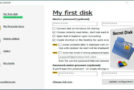
When you launch the application for the first time, it will ask you to set a password. It will notify you each time you enter an incorrect password. The application comes as a standalone file, which makes it easy for the user to use. With no other files attached, this executable file can be used anywhere. You don't need to install it again. You can also use Secret Disk Professional.
WinLock Professional Program Features
– Create different security systems for each account in a multi-user environment.
– Website content filtering adapted to control and protect internet access
– Block access to the specified files, folders, and applications
– Secure access to WinLock via a USB key
– Take photos of your desk and webcam at a specific time.
– Users can unlock the system without entering the master password.
– Flexible access to portable drives, networks, and removable devices
– Protect programs and applications with a password.
Version : Pro 8.46
Language : Multilingual (French included)
Size : 27.14 MB
Configuration:
– Windows (x32/x64 Bits): 7, 8, 8.1, 10
WinLock Professional 8.46
This article was updated on February 16, 2021