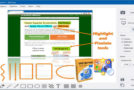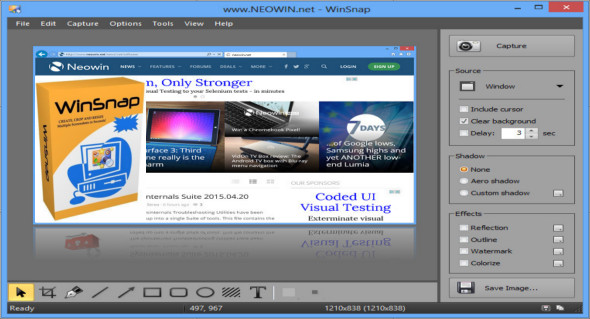
WinSnap is a small utility for enhancing screenshots. Standard features include easy capture of non-rectangular windows with custom and transparent backgrounds, simple and automatic canvas transformations, color effects, and the addition of eye-catching drop shadows. WinSnap supports a variety of image formats and has advanced automatic saving capabilities.
Here are some features of "WinSnap":
• Flexible screenshot capabilities
• Smoothing shadow effect in the Photoshop style
• Powerful image processing and basic canvas transformations
• Support for various image formats and advanced automatic backup options
• Easy web publishing and email sending
• Multilingual user interface (Unicode-based)
• Easy to take screenshots of windows with rounded corners
• WinSnap saves information about the shape of the window and adds true smoothing shadows.
• Alpha channel transparency and PNG/TIFF are supported.
• The unique “Application” capture mode allows you to capture all visible windows of the foreground application with a single click.
• The unique "multi-object" capture mode allows you to select multiple windows on the screen and easily combine them into a single screenshot.
• Basic colouring effects and canvas transformations.
• Advanced options for automatic saving and automatic copying.
• Configurable external tools menu to open and optimize image editors.
• Usual keyboard and mouse control (replaces the print screen).
Do all this work with a smaller app
Version : 5.2.1
Language : Multilingual (French included)
Size : 3.03 MB
Configuration:
– Windows (x32/x64 Bits): 7, 8, 8.1, 10
– Processor: 1 GHz
– RAM: 1 GB
WinSnap 5.2.1 + Portable
This article was updated on February 12, 2020