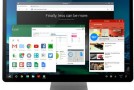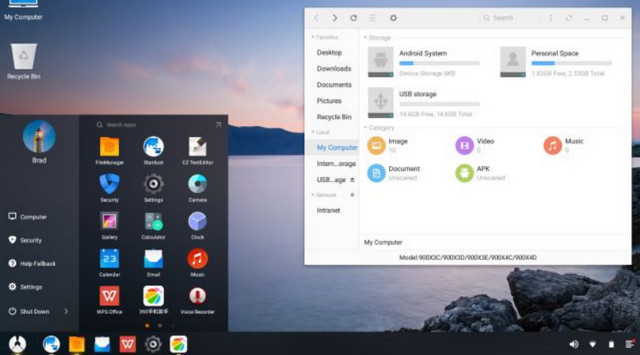
Phoenix OS is an operating system based on Android 5.1.1 Lollipop, designed to be installed on a PC using an x86 architecture. Its main difference from a classic Android system lies in the fact that Phoenix OS It incorporates an Android system in which key functions found on PCs have been added.
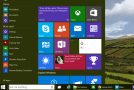
Indeed, Phoenix OS It is perfectly suited for use on a computer, using a keyboard and mouse. Like a classic operating system, the system features a Start menu, a taskbar, and multi-window support.
To install Phoenix OS On your computer, you will need a blank USB drive with at least 4 GB of free space and the latest version of the operating system installation file. Simply restore the operating system image to the USB drive and then boot your PC from the USB drive to begin the installation.
Phoenix OS It features a file manager, supports drag and drop, and integrates cloud storage. The notification center provides quick access to system settings, for example.
- Language: EN
- Size: 370.5 MB
This article was updated on January 29, 2016