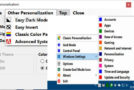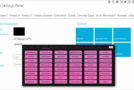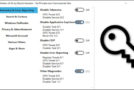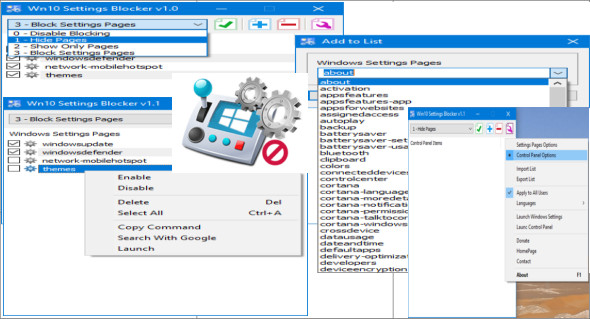
In Windows 10 Version 1703, Microsoft added a new Group Policy that allows you to control which settings pages appear in the Windows Settings app. This Group Policy will prove very useful for many organizations and home users. System administrators will be responsible for locking down unnecessary panes, in addition to securing those that the IT department specifically wants to prevent end users from accessing.
This feature is especially useful in a network environment, such as when setting up a kiosk or guest computer, but there are many other scenarios where you might want to disable the "Settings and Control Panel" app. For example, if you're the go-to tech support person for your family and friends, and they're constantly calling you to reconfigure a feature over and over again, you can fix their computer once and then block their access to change settings. Or, if you share a device at home with children and don't want them messing with Windows 10 settings, you might want to disable it.
If you don't have the Group Policy Editor (gpedit.msc), you can lock individual settings panes in the Registry, but this would be very time-consuming. To prevent users from changing Windows 10 settings, you can try this new free portable application, "Win10 Settings Blocker".
Configuration:
– Windows (x32/x64 Bits): XP, Vista, 7, 8, 8.1, 10
– Processor: 1 GHz
– RAM: 1 GB
Language : Multilingual (French included)
Size : 0.8 MB
This article was updated on November 10, 2018