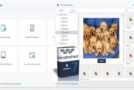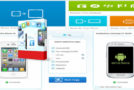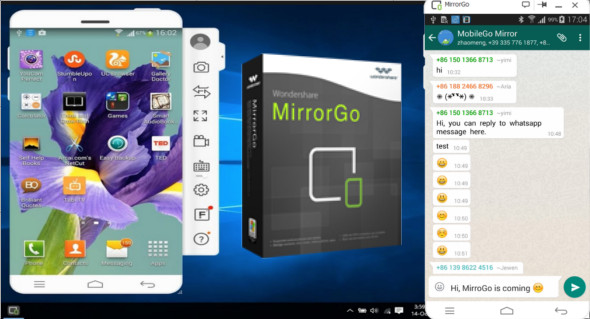
Wondershare MirrorGo is a powerful tool for displaying Android on your PC. The program performs many more functions than simply mirroring your phone's screen to a PC monitor.
It's specifically optimized for gamers. You can use your mouse and keyboard to play Android games in HD on your PC, keeping your game statistics visible on both your PC and Android device. You can easily record gameplay and take screenshots using MirrorGo. You can also easily transfer files between your mobile device and computer using drag and drop.
How to connect your Android phone with MirrorGo 1.9.0
To use MirrorGo's features, you need to connect your Android smartphone to your computer. Once you've downloaded and installed MirrorGo on your PC, there are two ways to connect your phone.
USB connection:
Use a USB cable to connect your mobile phone to a PC. For a USB connection, you must enable USB debugging on your Android smartphone.
Once USB debugging is enabled, check the MTP service on your phone. The connection between your smartphone and your PC will now be active, and Wondershare MirrorGo will automatically detect your Android smartphone.
Wi-Fi connection:
Wi-Fi connectivity is also available on MirrorGo. Simply press the "Scan" button, then scan the QR code to establish a connection between your phone and computer.
Configuration :
– Windows (x32/x64 Bits): XP, Vista, 7, 8, 8.1, 10
– Processor: 1 GHz
– RAM: 1 GB
Language : Multilingual (French included)
Size : 30.4 MB
This article was updated on April 27, 2019