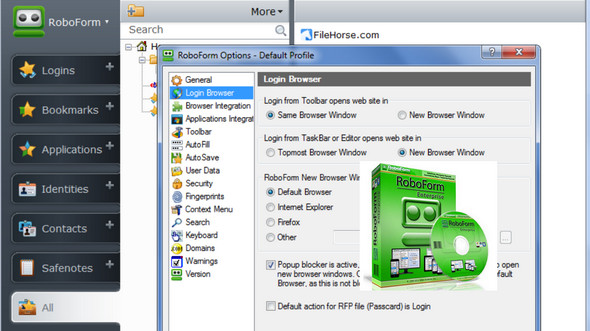
AI RoboForm fills out forms using its artificial intelligence engine, which recognizes the fields to be completed. It's fast because it runs directly in your Internet Explorer window and fills in the fields based on the information you've configured for your user profile.
Each identity contains your personal data, which RoboForm needs to enter into web forms. You can have multiple identities and you can easily change them.
The program consists of two parts:
The First A password manager and a module that automatically fills forms with the visitor's personal information. The first tool manages passwords and can thus replace the one natively used by the browser, and even offers advanced password encryption, with passwords that can be randomly generated for new registrations.
The second This part will prove very useful during the tedious process of registering on the internet (whether with Internet Explorer, Firefox or Chrome), since it allows you to automatically fill in the forms, indicating email address, name, surname, physical address, according to the user's settings.
Configuration:
– Windows (x32/x64 Bits): XP, Vista, 7, 8, 8.1,10
– Processor: Pentium 200 MHz
– RAM: 512 MB
– Disk space: 50 MB
Facility :
1. Install the program in administrator mode.
2- Copy the patches in the installation folder and launch them. The main one being " rf7.patch" .
3- Wait for the patch to finish
- Language : Multilingual (French included)
- Size : 20.5 MB
This article was updated on November 17, 2016