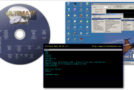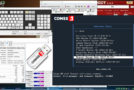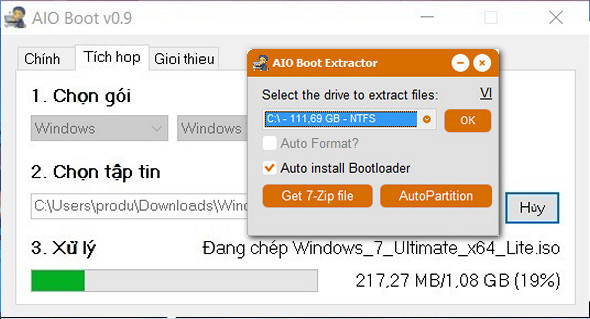
AIO Boot is a handy utility that lets you create a bootable USB drive or disk with Grub2 or Clover in a few simple steps. It also allows you to boot over LAN with PXE Server and iPXE Tiny, as well as integrate multiple operating systems or support programs. The program is easy to use and features a simple, albeit somewhat outdated, interface.
Simple installation procedure
Once you have downloaded the application, you need to select the drive where the necessary files should be extracted. This should be the bootable USB drive or hard drive you wish to create.
After unpacking, the application will launch automatically, and you can install Grub2 or Clover with a single click. Additionally, you can boot from PXE and choose between Legacy and UEFI mode.
Integrate multiple operating systems or support programs
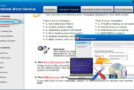
Once you have installed the desired component, you can go to the Integration tab and select a package you wish to integrate. The program provides helpful links that can be used to find and download the necessary software.
After obtaining the application package you wish to integrate, you must provide the local path to the downloaded ISO file.
Simple utility
Creating a bootable drive shouldn't be too difficult. The user interface has a fairly simple layout, so instructions may not be necessary.
Overall, AIO Boot is a useful application that allows you to create bootable USB drives, hard drives, or even memory cards using Grub2 or Clover. It has a simple and minimalist user interface.
Configuration:
– Windows (x32/x64 Bits): XP, Vista, 7, 8, 8.1, 10
– Processor: 1 GHz
– RAM: 512 MB
– Disk space: 50 MB
Portable version:
Launch the file AIO_Boot_Extractor.exe
Language English / Romanian
Size : 36.1 MB
This article was updated on May 20, 2017