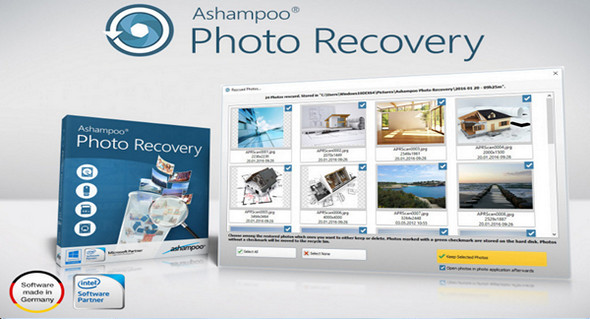
Ashampoo Photo Recovery helps you recover photos that have been lost accidentally or due to a technical failure.
The program allows you to recover photos from various types of disks in just a few steps. The new search function lets you not only select the formats to search for, but also specify a size and resolution. Photos contain irreplaceable and intangible value. Whether they are wedding photos, vacation pictures, or childhood images, they remind us of the most memorable moments of our lives. If they are lost, either accidentally or due to a technical failure, the damage will be considerable. That's when you'll be glad you have Ashampoo Photo Recovery at your disposal, the photo recovery specialist!
The software analyzes problematic devices such as hard drives, USB drives, and memory cards. All steps are easily performed through a user-friendly interface.
Main features:
– Find images in PDF, EXE or Word files
– Recovers photos from damaged RAW files
– Convenient presets for numerous use cases
– Optimized for more than 20 RAW formats
– Also optimized for Windows 10 and high-resolution screens
– Over 20 RAW formats supported!
– Support for modern formats (JPEG 2000, WebP, JPEG XR)
– Special search filter for rare formats (e.g. APCDOC, PSD, TGA, PCX, SGI)
– Search by size or resolution for better results
– Retrieve individual images from multi-page images (animations, etc.)
– Recover deleted or corrupted image files
– Analyze all available disks
– Recovering photos from formatted disks
Configuration:
– Windows (x32/x64 Bits): XP, Vista, 7, 8, 8.1, 10
– Processor: 1 GHz
– RAM: 512 MB
– Disk space: 20 MB
Portable version:
– Run the file apr.exe
Language Multilingual (French included)
Size : 9.3 MB
This article was updated on March 2, 2017