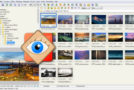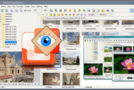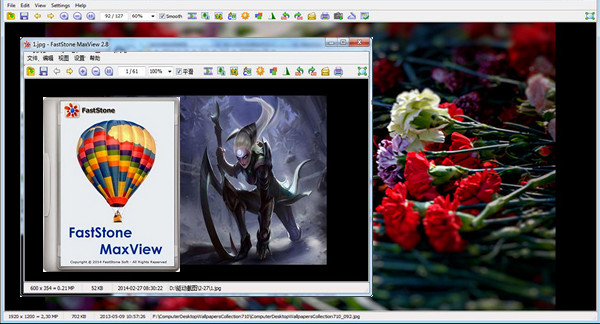
FastStone MaxView is a fast image viewer. This application allows you to not only cut, resize, rotate, but also make some adjustments (gamma, contrast, sepia, grey level, etc.)
FastStone MaxView even lets you view password-protected images that are in ZIP and RAR archives directly and instantly, making it an ideal solution for viewing private images.
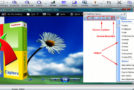
Finally, by positioning the mouse to the right of the window in full-screen mode, a panel appears allowing you to edit EXIF data and comments. FastStone MaxView is compatible with the main file formats (JPG, BMP, GIF, TIFF, PNG, PSD, DNG, etc.) and with Raw formats from several manufacturers such as Canon, Nikon, Olympus, Fuji, Minolta, and Pentax. Files can be associated with Windows Explorer, as well as with external editing tools.
Main features
* Viewing: This feature allows you to display images. It also has several options such as rotation, zoom, and full screen. FastStone MaxView can also display EXIF data. It supports several image formats.
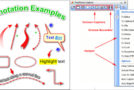
* Modification: The FastStone MaxView program also allows for photo editing. Photos can be resized and cropped. There is also an annotation system that can serve as a reference for the user.
* Creation: This application has over 150 transition effects in its database. Administrators can design their own slides using their imagination. They can also add background music to their creations.
Configuration:
– Windows (x32/x64 Bits): XP, Vista, 7, 8, 8.1, 10
– Processor: 3GHz
– RAM: 512 MB
– Disk space: 200 MB
Facility :
1. Install the Program FSMaxViewSetup31.exe
2. Tab Help --> Enter Registration code
3. Enter the serial number (Use the keygen )
Portable version:
– Run the Portable Edition file/MaxView.exe
- Language : English
- Size : 11.2 MB
This article was updated on February 1, 2017