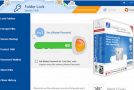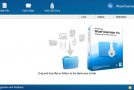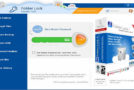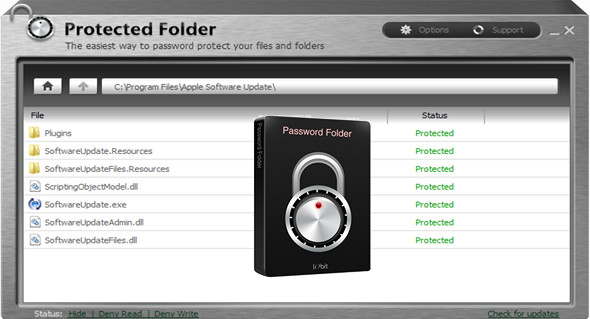
Protected Folder is a user-friendly program that allows you to lock and hide your files and folders. This type of software is ideal if you share your computer with multiple users, as it provides a specific level of security. Upon initial setup, you must configure a program password. The interface is clean and quite intuitive. Files and folders can be imported into the list using the file browser or drag-and-drop. Batch processing is supported.
Once items are added to the list, they are automatically locked. In the "Options" section, you can configure settings and disable hiding or denying read/write access to the respective files or folders. Additionally, you can change the program password (optionally specifying a hint), create an exclusion list, disable slow slide movement and fade effects, and change the interface language.
Here are some features of "Protected Folder":
Extremely easy to use:
Simply drag and drop the file into Protected Folder to protect it. Its intuitive interface makes it ideal for a complete computer novice.
Hide from view:
Hide folders, files, images, and videos from those who wish to investigate and search for specific files on your computer. No one can see them.
Access to the block:
Easily block access to the files, folders, and programs of your choice. You can password-protect the folder and its files, preventing other users from reading or viewing its contents.
Protection against writing:
Protect your files so they can't be modified by others. No one can change the contents of your files without your permission. Lock your file and folder to keep them secure.
Privacy protection:
Keep your private data, files, images or videos in Protected Folder; the only way to access these files is with your password.
Configuration:
– Windows (x32/x64 Bits): XP, Vista, 7, 8, 8.1, 10
– Processor: 1 GHz
– RAM: 512 MB
– Disk space: 5 MB
Facility :
1. Install the program protected-folder-setup.exe
2. Enter a key that is located in the file Nserie.txt
Language Multilingual (French included)
Size : 3.0 MB
This article was updated on April 8, 2017