One Click Firewall is a small application that allows you to block any application from accessing the internet. Users will find it easy to use, as it is simple, user-friendly, and uses minimal memory.
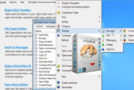
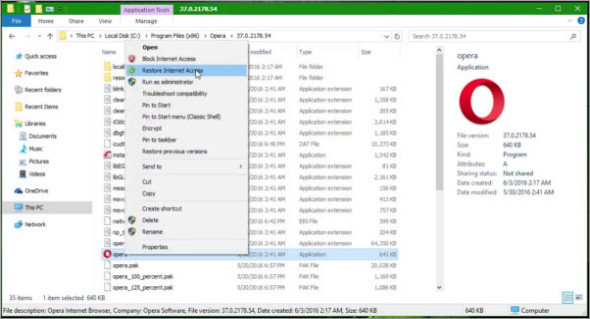
It integrates into the Explorer context menu
All you have to do is right-click on the application you want to block and select "Block Internet Access." Once you no longer feel this restriction is necessary, you can easily restore internet access, and the blocked program will function as before.
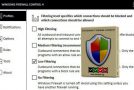
To view a list of all the EXE files you have blocked with OneClickFirewall, open "Windows Firewall with Advanced Security" from Administrative Tools. Click "Outbound Rules." Rules beginning with "OneClickFirewall -…" are the applications you have blocked.
A simple and practical tool
OneClickFirewall is a very useful piece of software for users who want to block specific applications from connecting to the internet without wasting time. Unlike the Windows Firewall, which can take several minutes to configure, OneClickFirewall can apply changes with a single mouse click, targeting all users.
Configuration :
– Windows (x32/x64 Bits): 7, 8, 8.1, 10
– Processor: 1 GHz
– RAM: 1 GB
Language : English
Size : 0.33 MB
This article was updated on December 8, 2018