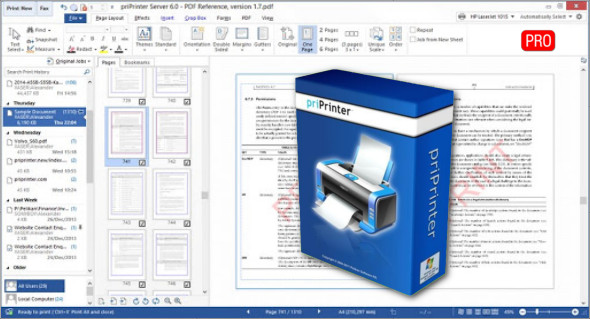
priPrinter Professional is a reliable print viewer with a virtual printer for easily handling large and complex print jobs. With priPrinter Pro, you can view and edit real sheets of paper directly on your screen without needing to print. You can also use FinePrint.
PriPrinter Professional is a powerful, fast, and efficient virtual printer and print preview tool that provides a variety of robust features enabling users to manage all printing operations. It allows users to add or delete pages, apply watermarks, and rearrange pages as needed. This powerful application can also remove margins and make numerous corrections to print jobs for precise output. With the virtual printer, users can easily create and generate PDF files and get a real-time preview for accurate results.
Features of priPrinter Professional
– A powerful application for handling layouts
– Simple and straightforward application
– Provides a powerful virtual printer and print viewer
– A variety of settings and customizations for printing
– Provides exclusive, out-of-print PDF documents
– Zoom in and get a 3D preview
– Remove margins, correct text, and more.
– Works with both landscape and portrait orientation
– Supports different paper formats for documents/output jobs
– Add watermarks and other details to the output
– A powerful application with print preview
– A variety of customizations and settings for the output
– Cropping and trimming functions with a variety of enhancements
– Document review and correction functions
– Apply various effects and filters to documents
– A variety of advanced tools and options for document processing
Version : Pro 6.6.0.2491
Language : Multilingual (French included)
Size : 5.57 MB
Configuration:
– Windows (x32/x64 Bits): 7, 8, 8.1, 10
priPrinter Professional 6.6.0
This article was updated on September 6, 2021