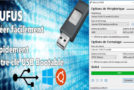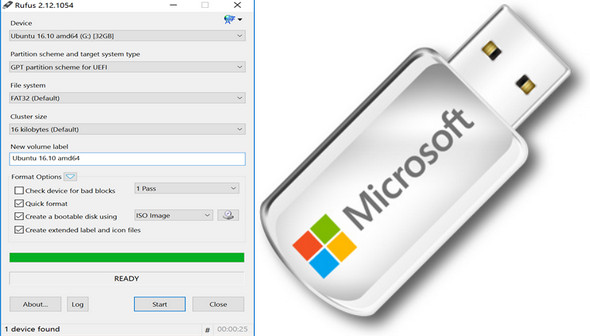
Rufus is a small utility that makes ISO image files bootable when transferring them to removable storage devices such as USB flash drives.
Without installation, the software detects the presence of a USB drive and its file system. With a single click, simply select the ISO file to transfer. It also allows for quick formatting of the drive.
Rufus is free and offers a French interface. It is compatible with all versions of Windows since XP.
Main features:
Formatting: Once inserted into the computer's port, the removable drive is immediately detected by Rufus. Following the user's approval, it proceeds to format the USB drive with the settings defined by the user.
Selection: After formatting, you need to choose the source of the system data to be placed on the device. A browser is provided for this purpose; simply enter the path to the desired directory.
Conversion: To ensure the integrity of the boot data, Rufus can save it as an ISO disk image. This type of file cannot be infected or modified by computer viruses.
Notes on UEFI & GPT support:
Since version 1.3.2, Rufus supports UEFI as well as GPT for installation media, which means that it allows you to install Windows 7, Windows 8 or even Linux, in full EFI mode.
Note, however, that Windows Vista or later is required for UEFI/GPT support. Windows XP limitations restrict the creation of an EFI bootable device to MBR mode only under this system.
Configuration:
– Windows (x32/x64 Bits): XP, Vista, 7, 8, 8.1, 10
– Processor: Pentium 4 3GHz
– RAM: 512 MB
– Disk space: 1 MB
Facility :
It's a portable version
– Launch the application via rufus-2.12p.exe
- Language : Multilingual (French included)
- Size : 0.9 MB
This article was updated on January 27, 2017