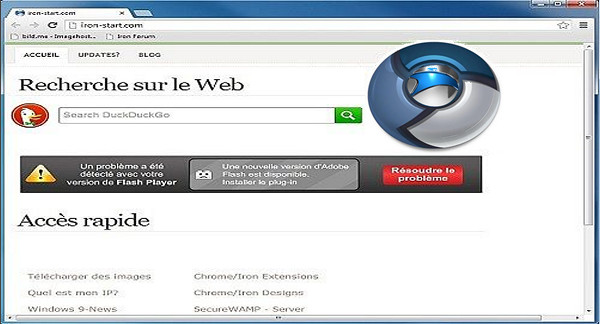
SRWare Iron is a web browser that uses the open-source code of Google Chrome. Its use is therefore the same, except that SRWare aims to protect user privacy.
However, it is criticized by data security specialists for reasons such as the creation of a unique user ID or the submission of entries to Google to generate suggestions.
SRWare Iron is just as easy to use as Google Chrome, since the interface is exactly the same. This browser allows users to browse discreetly without feeling lost. However, it's best suited for experienced users, as they need to manage updates themselves.
Finally, the browser does not automatically upload installed plug-ins, leaving the user free to decide what to install or not.
Comparison of Iron and Chrome in terms of privacy:
Chromium
Depending on the configuration, every time you put something in the address line, that information is sent to Google to provide suggestions. — Does not exist in Iron.
Chromium
Depending on the configuration, if you typed a wrong address in the address bar, it is sent to Google and you receive an error message from Google's servers. –Does not exist in Iron.
Chromium
Depending on the configuration, details of outages or failures are sent to Google's servers. — Does not exist in Iron.
Configuration:
– Windows (x32/x64 Bits): XP, Vista, 7, 8, 8.1, 10
– Processor: 1 GHz
– RAM: 512 MB
– Disk space: 120 MB
Facility :
– Simply launch the file srware iron.exe
Portable version:
– Run the IronPortable\ fileIronPortable.exe
Language Multilingual (French included)
Size : 105.2 MB
This article was updated on February 28, 2017