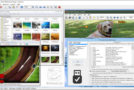
USBFlashCopy is a small Windows utility that allows you to back up your USB drives and storage cards on the fly. It runs in the background and copies the files from the inserted media to a safe location on your hard drive.
Small size
USBFlashCopy is a very small utility taking up no more than 400 KB of disk space; it requires no additional libraries or frameworks for download and installation.
Simple and clever
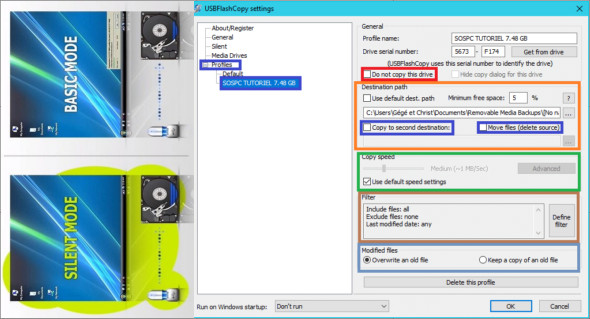
USBFlashCopy automatically detects when you insert a storage device and copies its contents to a safe location. By default, it creates a subfolder for each removable storage device in "My Documents\Removable Media Backups".
It supports the profiles
Create profiles with separate settings for different USB drives or storage cards. You can change the default settings for new or rarely used media.
Copy only the most recent files
USBFlashCopy only copies newer or updated files; you can optionally keep older versions of the files.
Move your settings
USBFlashCopy stores its settings in an INI file, automatically created in the folder from which it is run. Copy USBFlashCopy.ini along with the executable to preserve your settings.
Configuration :
– Windows (x32/x64 Bits): XP, Vista, 7, 8, 8.1, 10
– Processor: 1 GHz
– RAM: 1 GB
Language : English
Size : 0.87 MB
This article was updated on April 4, 2019