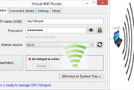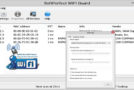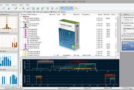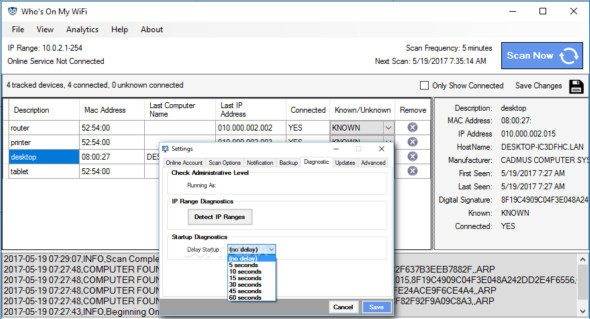
Who Is On My Wifi is a simple yet effective application designed for users who need to check their Wi-Fi network for intruders. It's a useful tool for identifying unauthorized access and resource leaks that can reduce connection performance. You can specify the range of IP addresses to scan and increase the time interval between scans.
When using a physical network, it's easy to notice a new connection from your router. However, with wireless networks, connections aren't as obvious, which can tempt some users to use your network to access the internet or even steal data.
This application allows you to check the list of devices connected to your network and mark those belonging to authorized users. To check for new connections, the program runs in the background and repeats the network scan every few minutes.
A notification is automatically generated when a new device is detected on your network. You can customize the notification type and enable email notifications if you want to receive alerts even when you're away from your desk.
If a computer appears suspicious, you can easily block its access by simply selecting it from the list of detected devices. A block history log can be saved to a local folder to analyze the scanner and block activity.
The program's interface is simple and requires minimal experience to detect computers and manage the connection. Furthermore, upon first launch, a wizard guides you through all the necessary steps to analyze the network.
What's new ?
* Uses a new API for better analysis
* May require you to re-enter your login information to connect to Analytics
Configuration:
– Windows (x32/x64 Bits): Vista, 7, 8, 8.1, 10
– Processor: 1 GHz
– RAM: 1 GB
Language : English
Size : 1.4 MB
This article was updated on August 10, 2018