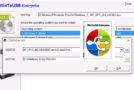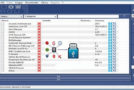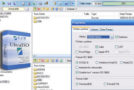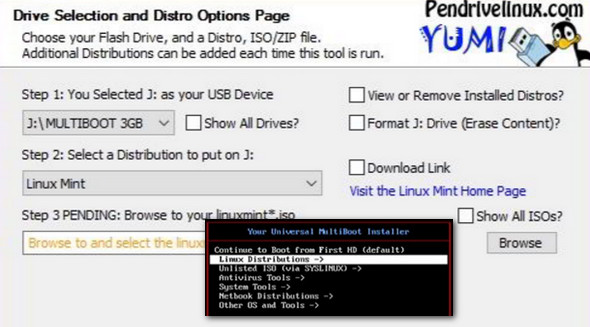
YUMI (Your Universal Multiboot Installer) is the successor to MultibootISOs. It can be used to create a multiboot USB flash drive containing multiple operating systems, antivirus utilities, disk cloning tools, diagnostic tools, and much more.
Unlike MultiBootISOs, which used grub to boot ISO files directly from USB, YUMI uses syslinux to boot extracted distributions stored on the USB device, and then uses grub to boot multiple ISO files from USB, if necessary.
Apart from a few distributions, all files are stored in the Multiboot or yumi folder (depending on the version), making it a well-organized Multiboot USB drive that can still be used for other storage purposes.
YUMI was originally intended for use in storing and running various "LIVE Linux" operating systems and tools from USB drives. Using YUMI to install Linux from a USB hard drive works on some distributions, but not all.
Configuration:
– Windows (x32/x64 Bits): XP, Vista, 7, 8, 8.1, 10
– Processor: 3GHz
– RAM: 512 MB
– Disk space: 5 MB
Facility :
- Execute YUMI-2.0.3.0.exe
- Language : English
- Size : 1.3 MB
This article was updated on December 9, 2016